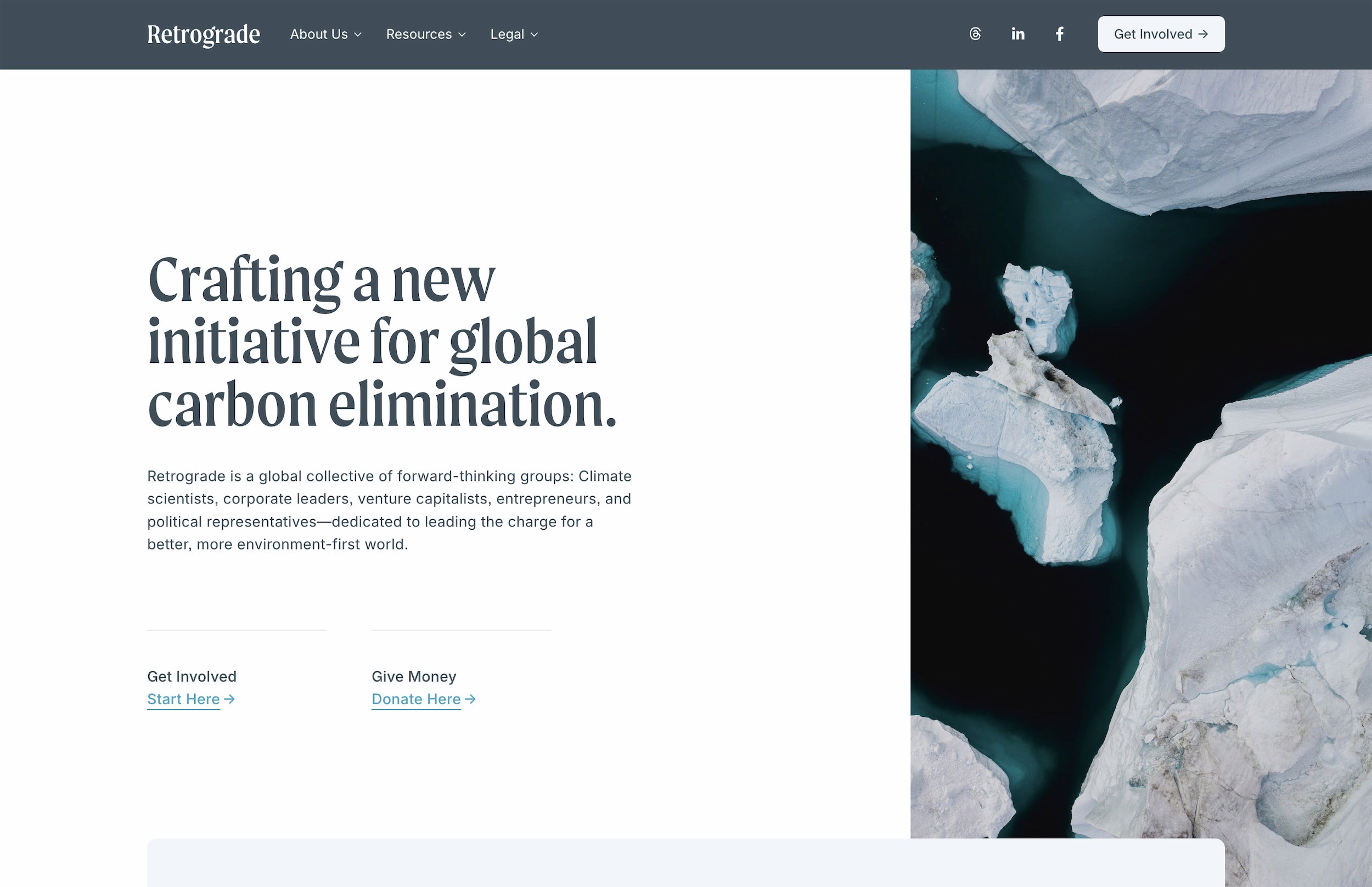
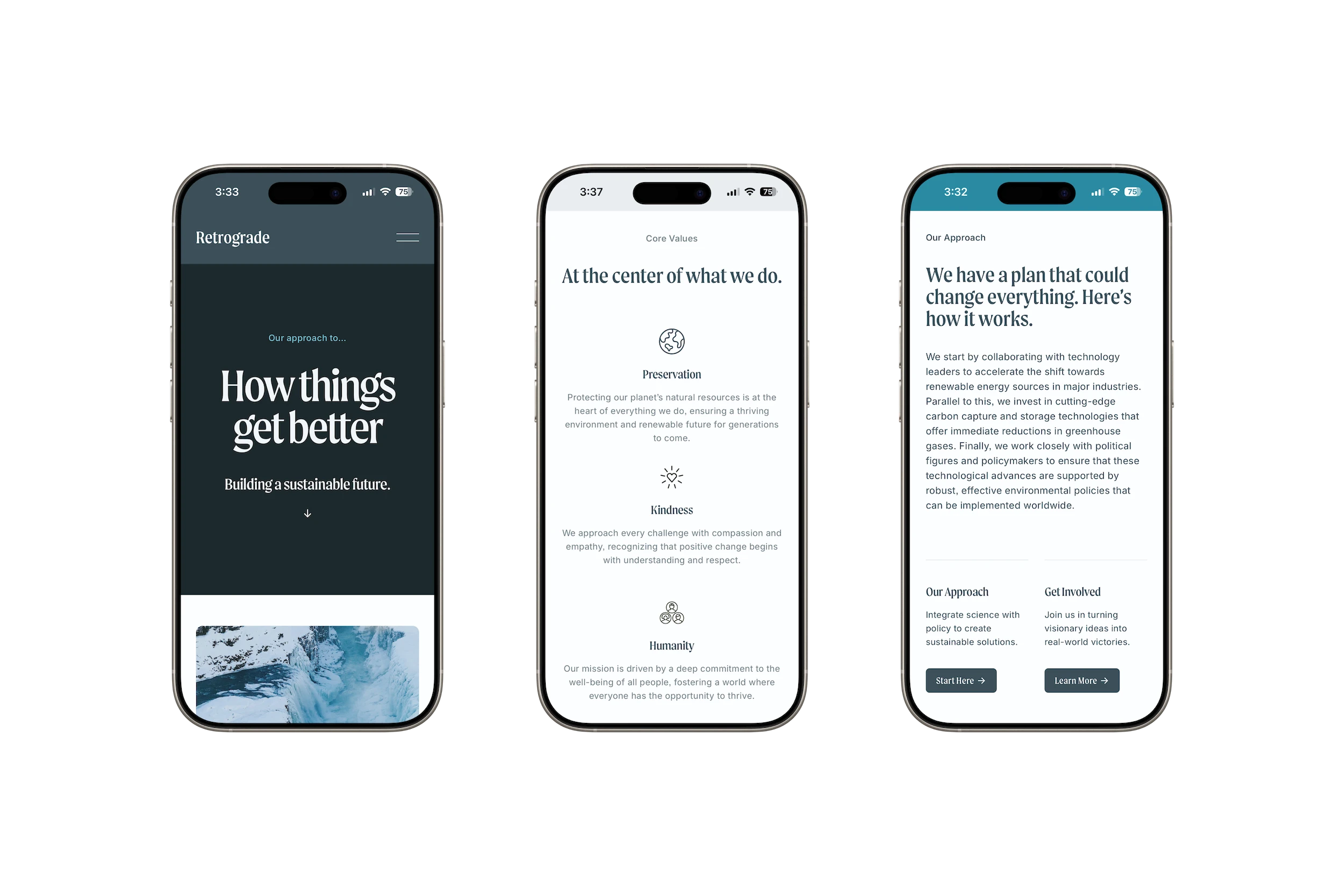
Retrogradefor nonprofits
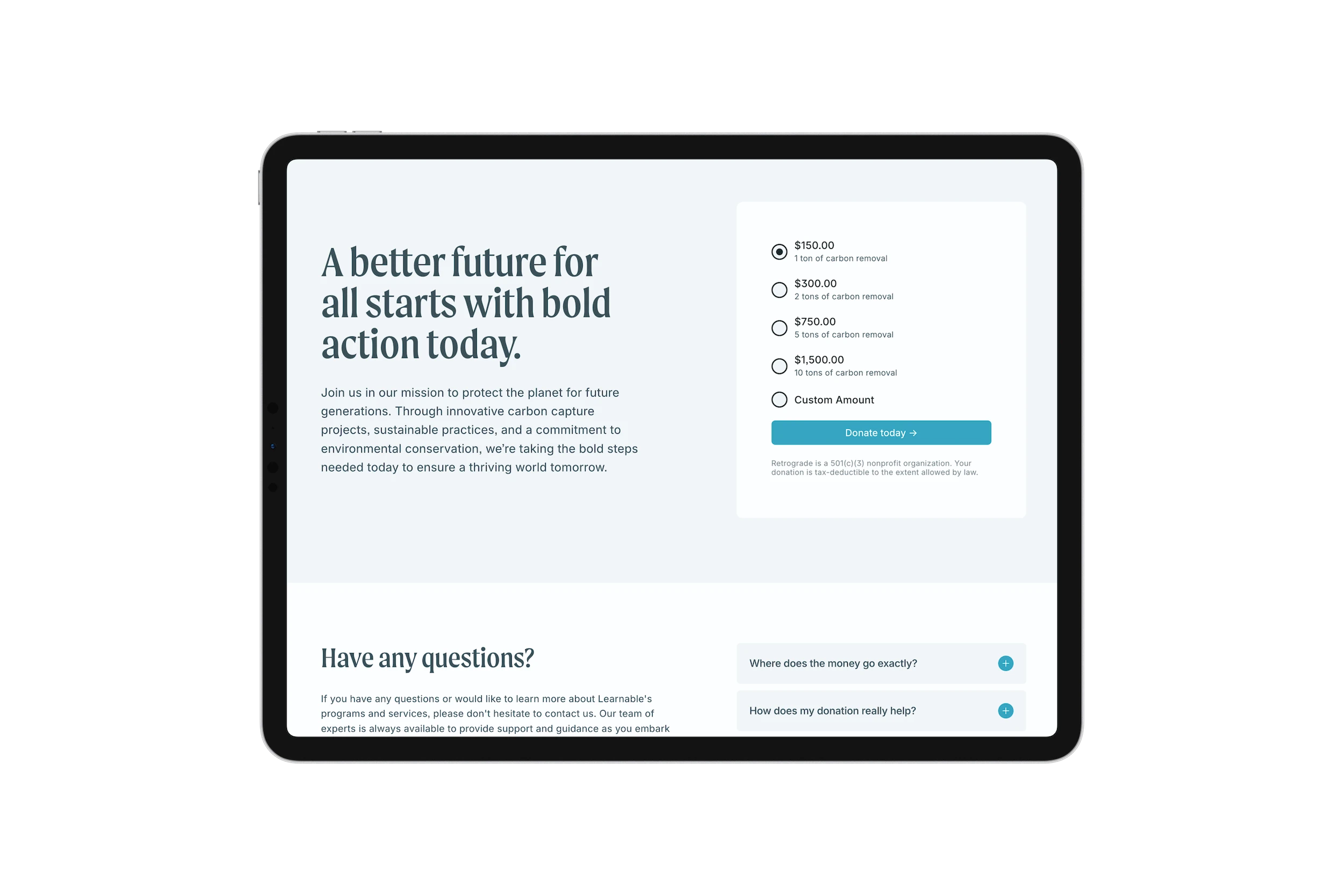
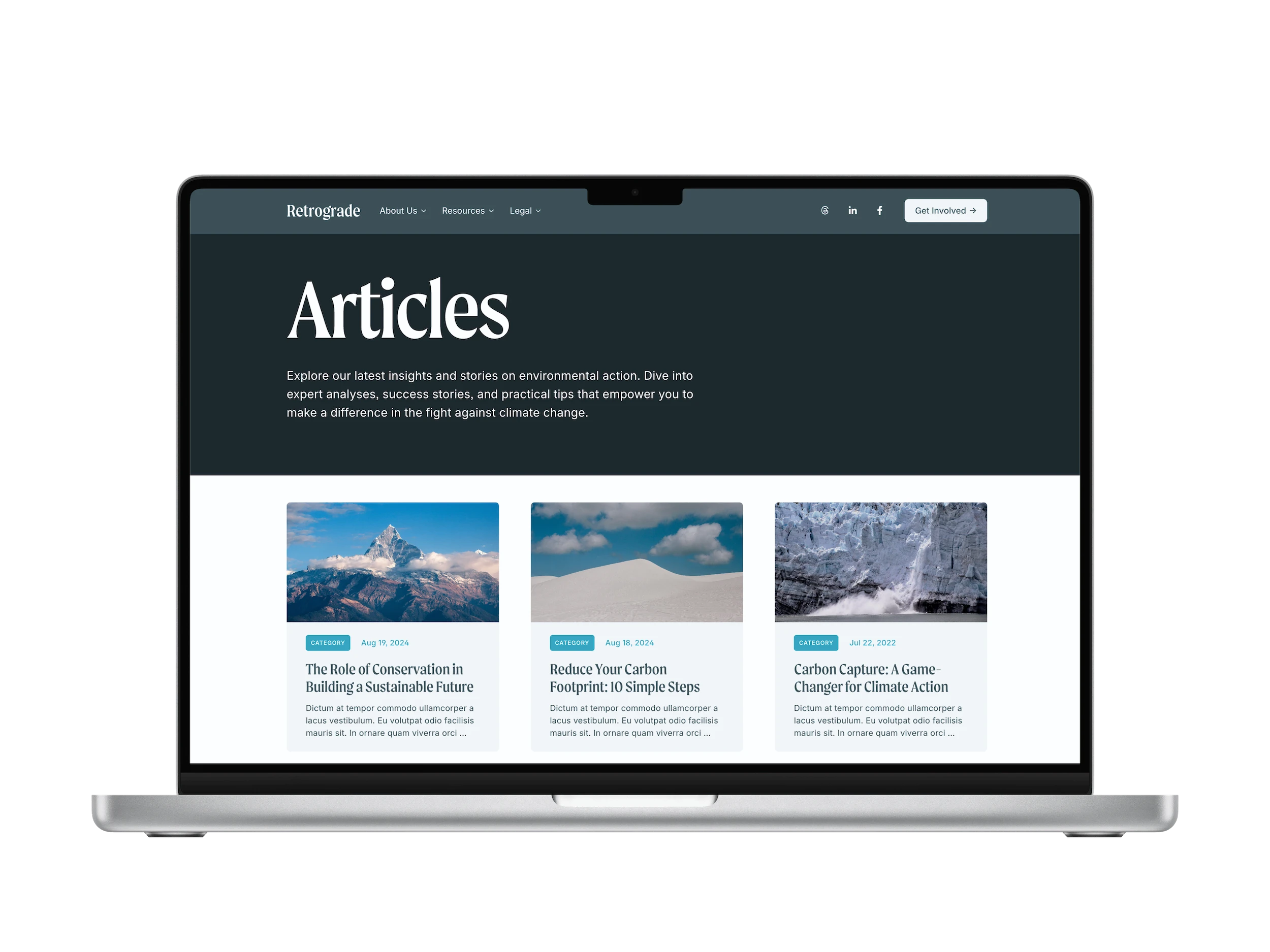
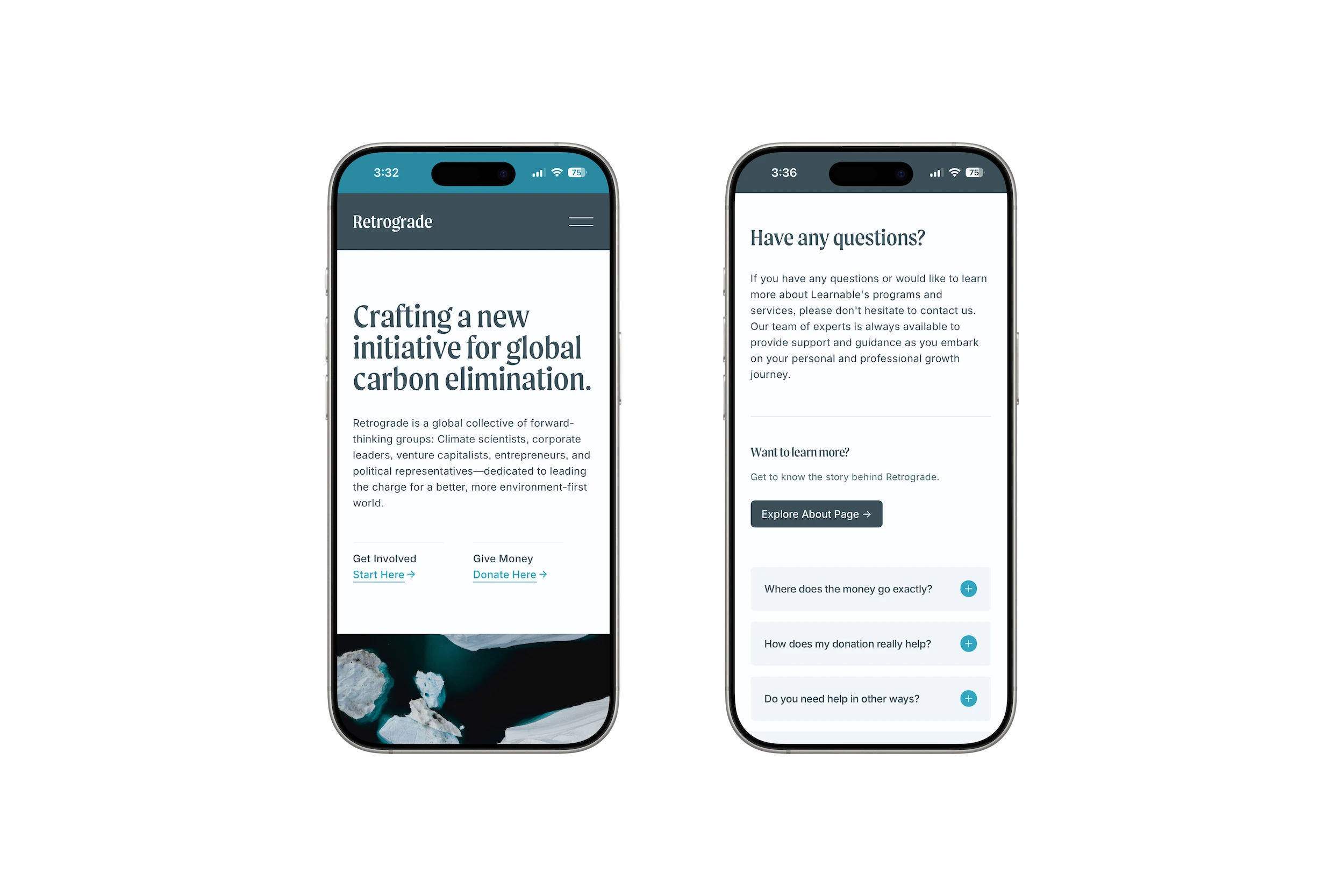
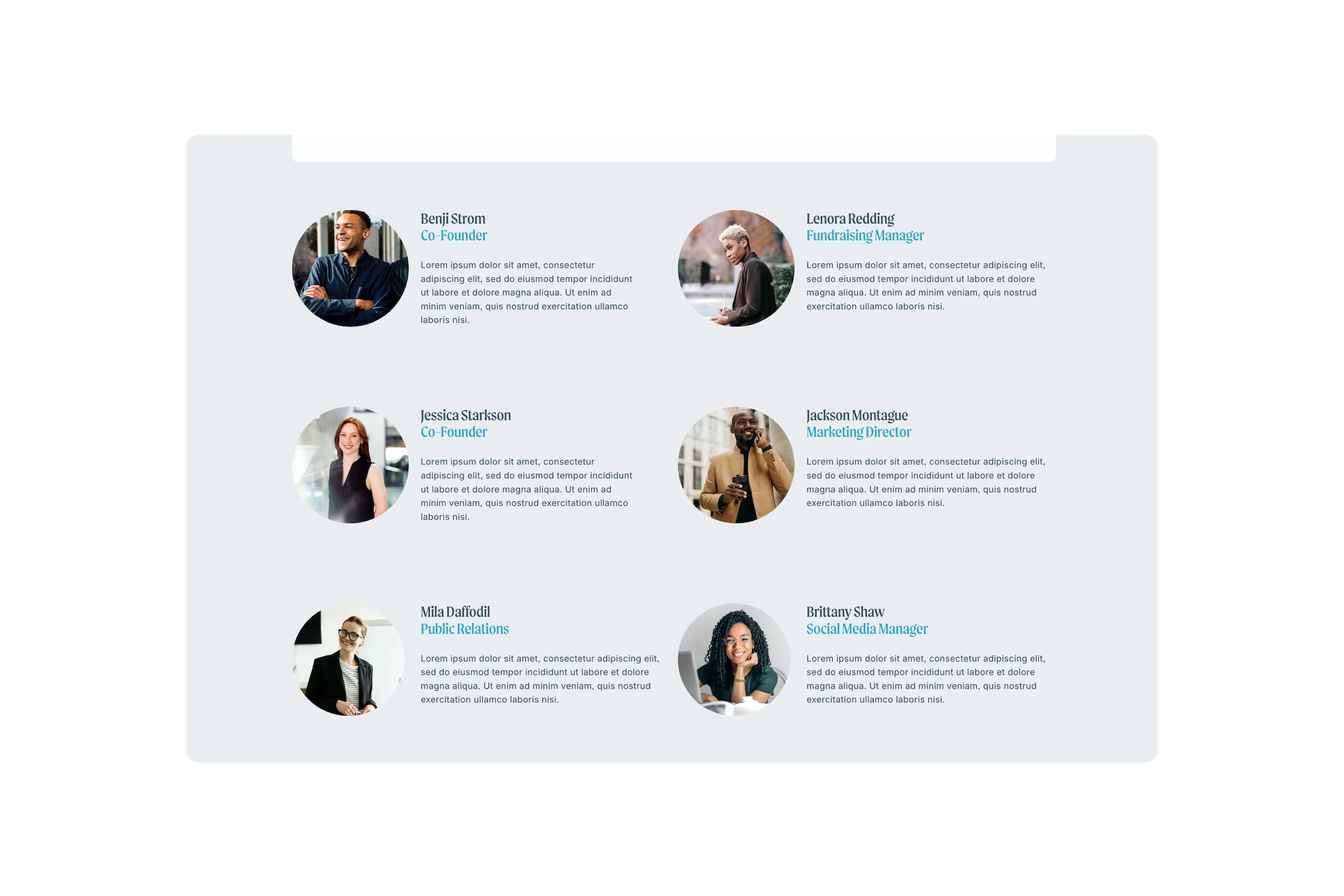
All templates are 15 pages and $395
- Unlimited license
- Delivered instantly
- Lifetime email support
- 25% Hosting discount
- 7-Day refund policy
Common questions
Every template purchase comes with an unlimited license: This means you can use your template purchase as many times as you'd like. I'd recommend making a duplicate copy of your purchase before using it for a project so that if you need to reference the original it's still available.
There sure is! Fill out the Contact Form with a little bit of info about your project and I’d be happy to give you a 30% off code to use on your next template purchase.
After checkout is complete, you’ll receive an automated email with an invite link to your copy of the template. Once you’ve accepted the invite, all that’s left is to customize and add your content.
Yes, you may request a refund within 7 days of purchase. See the Refunds page for more details.
Just as much as a “regular” Squarespace website! Fonts, colors, layouts, blocks, pages, etc. will function just as you’d expect. Please refer to the Squarespace Help Center to learn more about general platform use, and explore the Support page to get more details on template-specific customizations.
Yes! The pages you see in Studio Mesa templates are just the start—you’re free to duplicate, reuse, and customize them as much as you’d like while still having the flexibility to add more pages later.
You’re always just an email away from getting the support you need. The most common uses of this perk: If you run into any issues with the template, you need help customizing something that’s custom coded in CSS, or can’t figure out how to make something work for your project. In most cases, I’ll simply advise and give instructions on how to change something—but occasionally, I’ll request access to your project and take a closer look at what’s going on.
No. Templates are essentially standalone websites that are already fully built out with the design, layouts, and style you see in the demo site. Because templates are not “themes” that can be switched on and off, you’ll have to build your new site from scratch, copying over content from your previous site.
Transferring site ownership is still a manual process that I cannot automate. So, I usually batch-transfer ownership of all new template purchases monthly. If you have a pressing need to get it sooner (ie: client access, etc.), send me a message after purchase, and I’d be happy to expedite that process.
All Studio Mesa Templates are built exclusively for Squarespace 7.1 Fluid Engine (the most current version), which offers the latest features, ongoing updates, and most advanced formatting that Squarespace has to offer. Note: Templates cannot be modified to work with Squarespace 7.0.
Still have a question? Read support docs for more details.